Meet Charlie
Charlie is our texting assistant. Text (865) 401-1213 any time, day or night, to:
- Submit a maintenance request
- Get updates on an open request
- Get help fixing common problems
- Ask about your lease or balance
You don't need to sign up, log in or use a password. You can still send requests through the Resident Center and its app.
Text Charlie nowGetting started
- Watch for a welcome text from Charlie.
- Save (865) 401-1213 to your contacts.
- Text Charlie whenever you need something.
Set up scheduled payments
Most leases require scheduled payments on the 1st to get the best rent rate. Bank (EFT) payments are free.
Sign in to the Resident Center. If you forgot your password, you can reset it on the Resident Center sign-in page.
Select “Set up autopay.” Have your bank routing and account numbers ready (on a check or your bank's website).
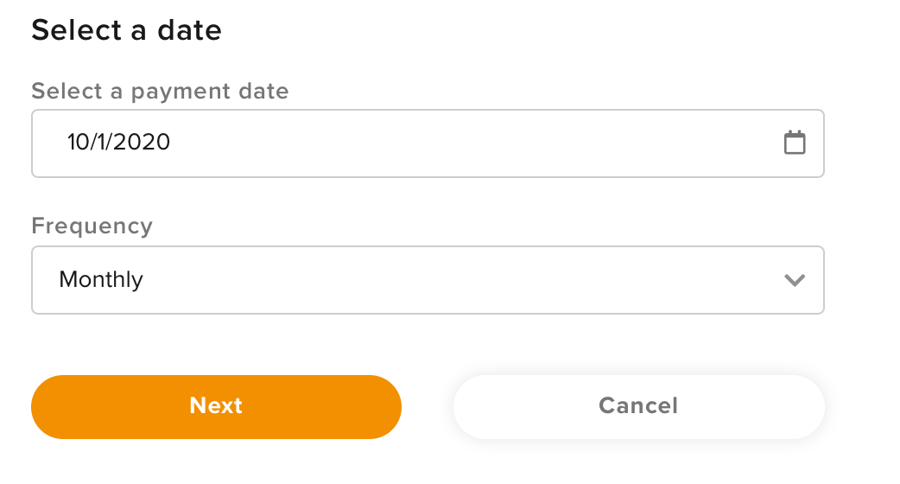
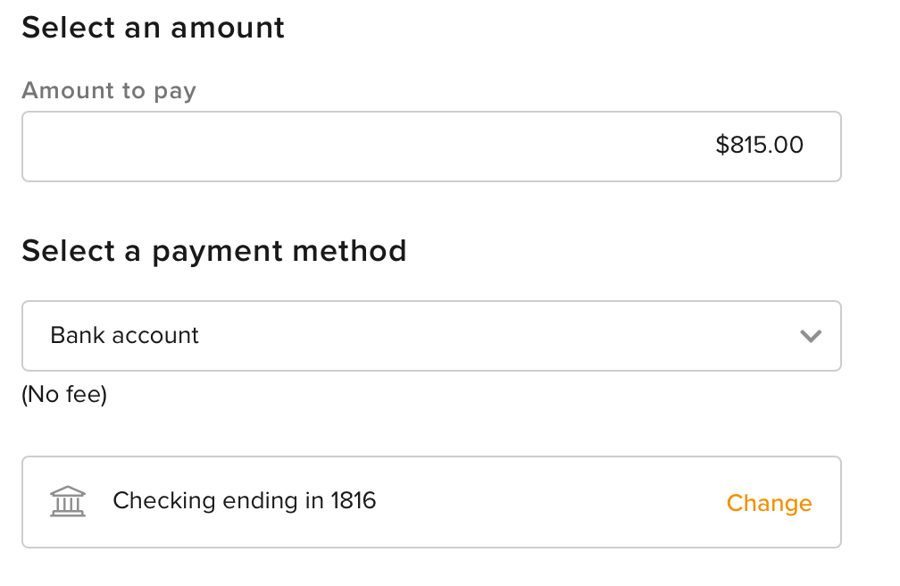
Enter your payment details. Fill in the amount, the date, the name on the account, and whether it's checking or savings.
Set it to repeat monthly on the 1st. Pay a deposit, or a first month that covers only part of the month, as a separate One-Time payment.
- Schedule a fixed amount, not “entire balance due.”
- Pay extra charges with a separate one-time payment.
- Use the 1st as your date, and cancel the schedule before your last month so you don't overpay.
Get the Resident Center app
Search for “Resident Center by Buildium” in your app store. We prefer that you message us through the app.